# The Video Review Kit

About this document. This is reference material. It describes a small tool that hands a video to Google's Gemini and brings Gemini's read back to Claude. Check each command against the docs for the program it runs (Node, npm, Claude Code) and decide for yourself. It carries no keys, accounts or files of ours. When you use the method, your files go to Google, so read the "Honest limits" section before you start.

---

## What Claude misses on video

Claude is very good with one still picture: a screenshot, a photo, a single ad. Video is different. Claude takes in pictures, not sound. Hand it a video and the best it can do is look at a few still frames pulled out of it.

So it misses the things that make a video work or fail:
The Video Review Kit
Let Claude review your videos with the sound on.
Claude sees pictures but cannot hear. This guide has your Claude build a small tool that hands the whole video to Gemini, which watches it with the sound on and sends its read back.
Unlocked.
Download the pack ↓the guide (.md) · the breakdown (.pdf) · the blueprint (.pdf) · the rite (.pdf)
Check your inbox for a copy.
What's inside
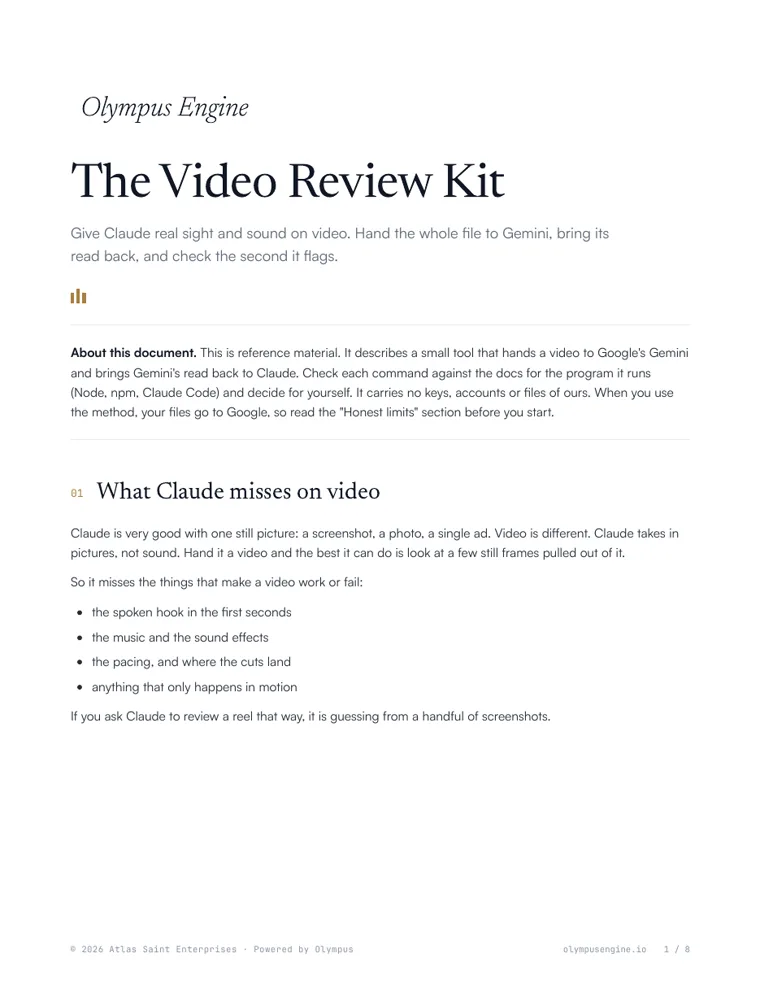
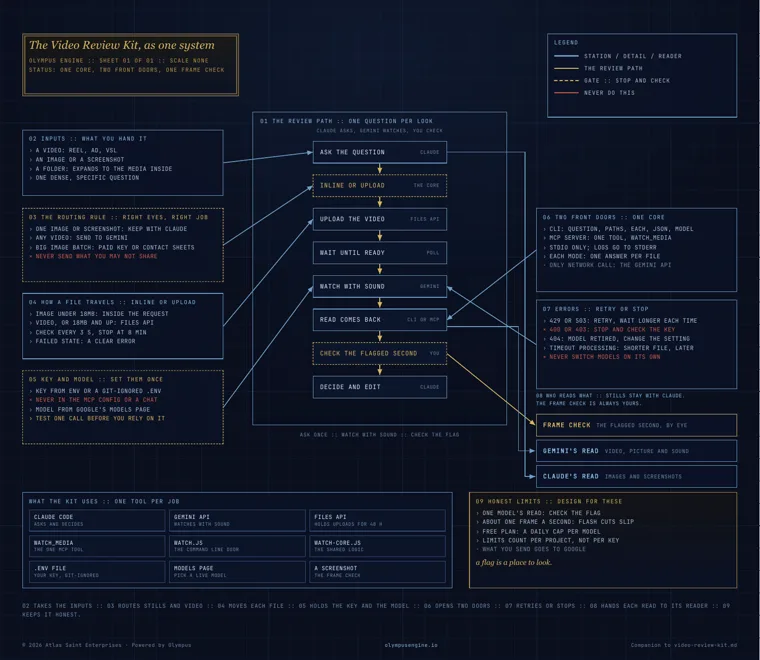
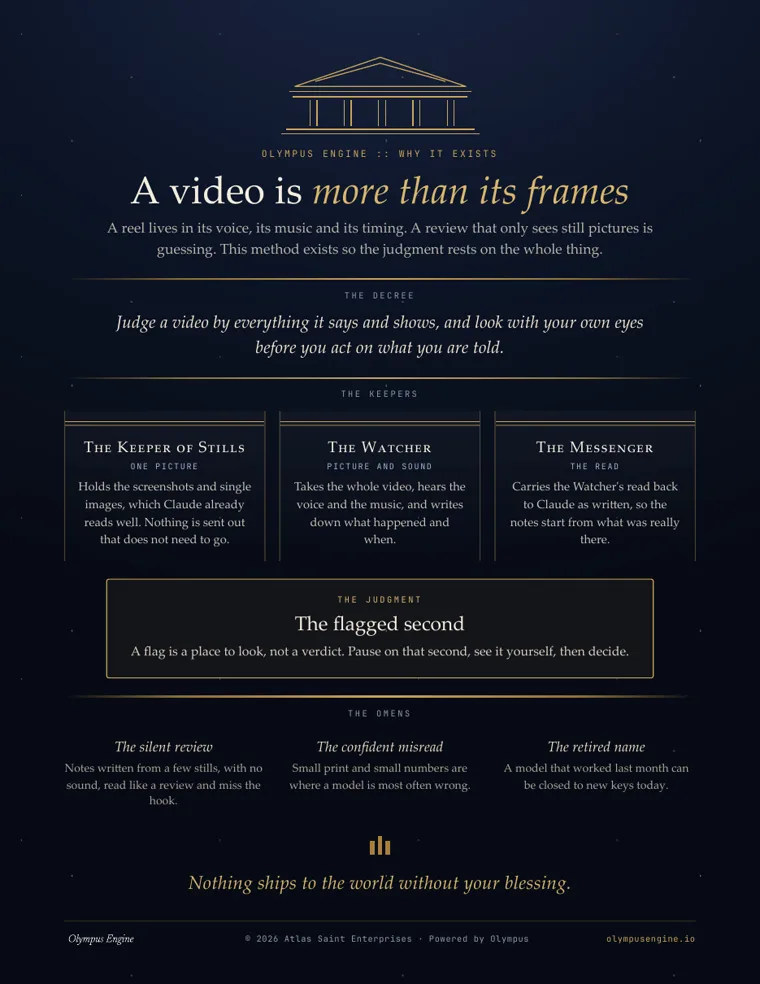
For you if
- You make reels, ads or VSLs and want notes on the hook, the sound and the pacing, not just the pictures.
- You already use Claude Code and want it to work from what a video actually says and shows.
- You review videos in batches and want a score or a breakdown for each one.